









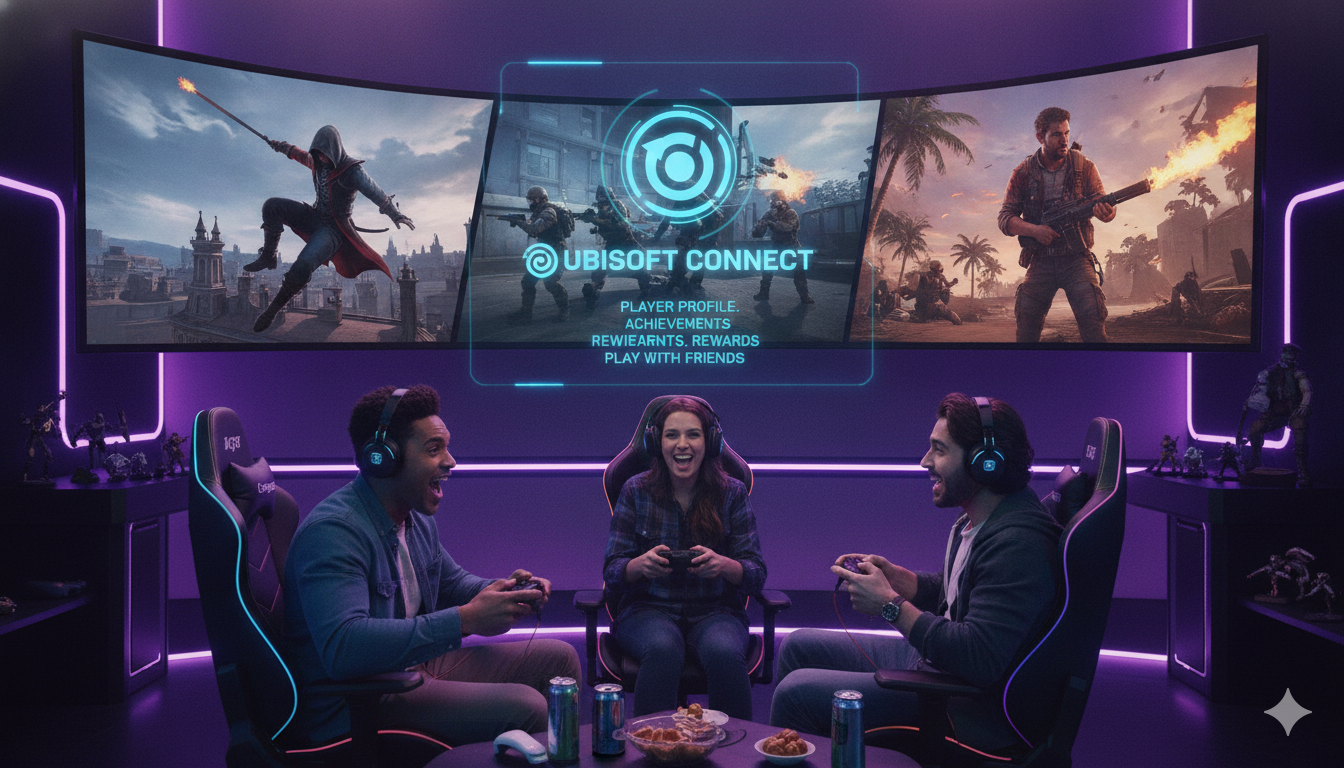
Creating and protecting your Ubisoft Account is the best way to jump into massive gaming worlds like Assassin’s Creed, Rainbow Six Siege, and Far Cry. This official player profile connects your gaming achievements, tracks your rewards, and lets you play with friends across different systems. Managing your profile properly ensures you never lose access to your favorite digital purchases or saved games. Let us look at how you can easily set up, secure, and get the most out of your gaming profile today.
Why You Need a Ubisoft Account Today
Having a personal profile is essential if you want to play modern games from this publisher. It acts as a central hub for your entire digital library. When you load up a new game, this profile tracks your progress automatically. It also unlocks special challenges that give you free in-game items. Without it, you miss out on cool rewards and community events.
Connecting with friends is much simpler when you have a unified profile. You can see what your buddies are playing in real-time. It allows you to invite them to your game lobby with one click. It makes multiplayer gaming smooth and fun across all platforms.
How to Create a New Account Easily
Setting up your new gaming profile takes just a few minutes of your time. First, visit the official registration website on your computer or mobile phone. You will need a valid email address that you check regularly. Pick a unique username that represents your gaming style to the community.
Next, create a very strong password to protect your information. Enter your date of birth accurately to ensure proper game access. Accept the terms of service to finish the quick process. Check your email inbox for a confirmation link to activate the profile immediately.
Unlocking the Power of Ubisoft Connect
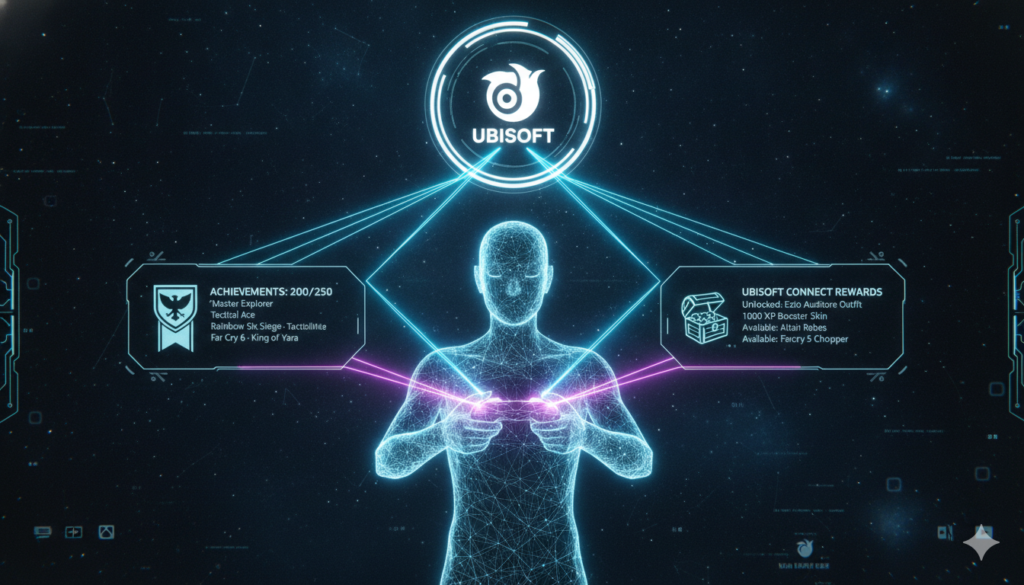
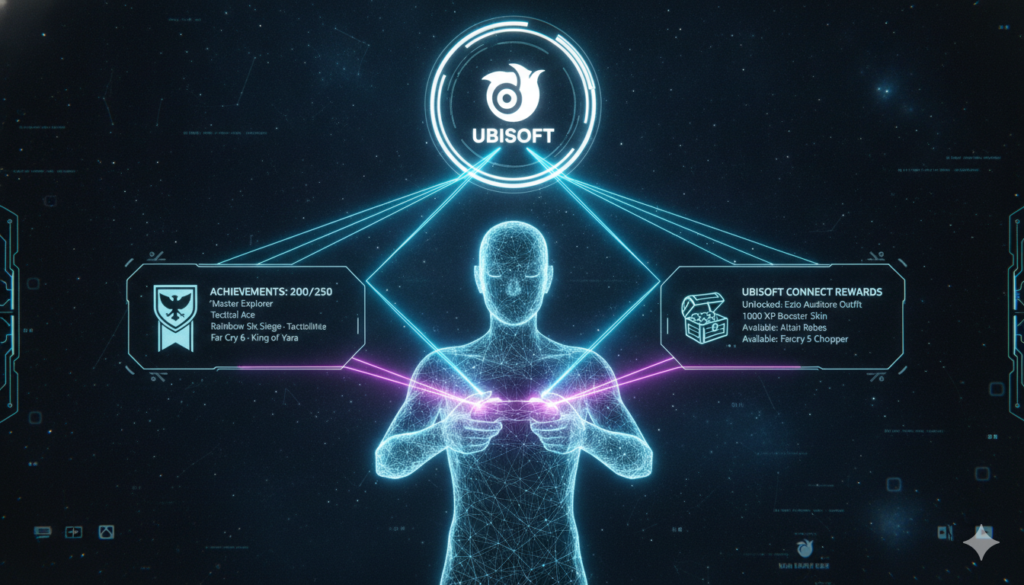
This special service connects all your games into one massive ecosystem. It combines the classic club rewards system with a modern launcher interface. You earn special units just by playing your favorite games regularly. These units can be traded for discount coupons or rare weapon skins.
The service also features a clean overlay that opens during gameplay. You can chat with friends without closing your current game window. It tracks your stats and compares them with players worldwide. This makes every gaming session feel rewarding and competitive.
How Cross-Progression Saves Your Game Progress
Great news for gamers who own multiple consoles and a PC. This system supports cross-progression for many of their newest hit titles. That means your game saves move with you automatically. You can play on your console in the living room today.
Tomorrow, you can log into your PC and continue the exact same mission. You do not lose your unlocked items, levels, or story progress. Just make sure all your platform profiles link to the same central network. It gives you total freedom to choose where you want to play.
Step-by-Step Guide to Linking Your Consoles
Linking your PlayStation, Xbox, or Nintendo Switch profile is a very straightforward task. Open the account management website on your internet browser. Navigate directly to the information section called Linked Accounts. You will see icons for all major gaming networks there.
Click the link button next to your preferred console platform. A secure pop-up window will ask for your console login details. Enter your console username and password to confirm the connection. Your systems are now synced together for cross-play benefits.
Essential Tips to Secure Your Account
Protecting your digital gaming library should always be a top priority. Gamers are frequent targets for online tricks and password theft. The best defense is creating a password you do not use anywhere else. Avoid using simple words, your name, or your birth year.
Never share your login credentials with anyone, even friends. Staff members will never ask for your secret password in a chat. Be careful when logging into public computers at school or internet cafes. Always log out completely when you finish your gaming session.
Activating Two-Factor Authentication (2FA)
Turning on two-factor authentication adds an invisible shield to your profile. This security feature requires two separate steps to log into your dashboard. First, you type your regular password on the screen. Second, you enter a temporary code sent to your phone.
You can receive these codes through email or a mobile app. This stops strangers from stealing your library even if they know your password. It only takes a minute to set up in your security settings. Many competitive games require this feature turned on before you can play ranked matches.
What to Do If Your Account Is Hacked
Discovering someone else is using your gaming profile is a scary feeling. Do not panic because you can recover it if you act quickly. Try to log in immediately and change your password right away. If you cannot log in, check your email for unauthorized changes.
Look for messages about changed email addresses or linked devices. Use the official recovery page to verify your true identity. The support team can restore your access if you provide proof of purchase. They will help you kick the intruder out for good.
Resolving Common Login and Error Issues
Sometimes you might face annoying errors when trying to log into the launcher. A common issue is simply mistyping your username or secret password. Double-check your spelling and make sure the caps lock key is turned off. Clearing your web browser cache can also fix weird loading glitches.
If the servers are down for maintenance, you must wait patiently. Check the official social media pages for live server status updates. Disabling temporary background programs on your PC might also solve connection blocks. Most login bugs disappear after a quick computer restart.
How to Safely Change Your Personal Information
Updating your profile details is necessary when you get a new email. Log into the official management portal using your current security details. Click on the account information tab to view your current data. You can edit your username once every thirty days.
Click the edit button next to your email address to update it. You must verify the change through a link sent to your old inbox. This extra step ensures nobody changes your data without permission. Keep your physical address and country settings accurate for correct store pricing.
Ultimate Account Management Reference
Managing your gaming identity involves tracking several features at once. This handy reference table summarizes the most important actions you can take to keep your profile in perfect shape today.
| Feature Action | Where to Find It | Why It Matters | Time Required |
| Change Password | Security Settings Tab | Keeps hackers out of your library | Under 2 minutes |
| Enable 2FA | Privacy and Security | Adds a double layer of protection | 3 minutes |
| Link Console | Connected Accounts | Enables cross-progression and cross-play | 2 minutes |
| Edit Username | Account Info Section | Changes how your name looks in games | 1 minute |
| Check History | Order History Log | Tracks your game and currency purchases | 1 minute |
| Contact Support | Help Center Portal | Fixes major errors and recovers profiles | Varies by issue |
Summary of Best Practices for Gamers
Managing your gaming network profile correctly ensures a smooth and stress-free hobby. Always keep your recovery information updated so you never get locked out. Utilize the amazing rewards program to get free items for your characters. Link your consoles early to enjoy freedom of movement between screens. Stay safe by turning on extra security measures right now.
FAQs
Can I merge two separate Ubisoft accounts together?
No, it is not possible to combine two different profiles into one. Games, downloadable content, and in-game progress cannot be transferred between names. It is best to choose one primary profile and link all your consoles to it. This prevents your digital game collection from splitting across different logins over time.
Why is my Ubisoft account suspended temporarily?
Profiles usually get suspended to protect them after too many incorrect password attempts. This temporary lockdown normally lasts for about ten to fifteen minutes. It stops automated hacking programs from guessing your password over and over. Wait patiently without trying to log in until the safety timer expires completely.
How often can I change my profile username?
You can update your public display name once every thirty days. This rule prevents players from confusing the community by changing names constantly. Make sure you spell your new name correctly before hitting the save button. The system updates your name across all connected games automatically within an hour.
Do my Ubisoft rewards expire if I do not use them?
The special club units you earn by completing challenges do have an expiration date. You must spend your earned units within twenty-four months of getting them. If you do not use them, they disappear from your wallet balance. Spend them on fun rewards or store discount codes regularly.
Can I play games offline without logging into the network?
Yes, you can play many single-player games without an active internet connection. First, you must log into the launcher software while connected to the internet. Change the launcher settings to offline mode inside the application menu. This allows you to enjoy your story mode games during internet outages.
How do I close my gaming account permanently?
You can request account deletion through the official privacy settings menu. The system will place your profile into a thirty-day suspension period first. This gives you time to change your mind if you made a mistake. After thirty days, all your games, rewards, and progress are deleted forever.